

ENGINEERING SOFTWARE FOR PHYSICAL BUILDS

From imagination
to reality.

From an engineering question to a buildable plan.

Fyrwake proposes the design, works out the parts and connections, and produces shopping lists, printable templates and step-by-step build instructions. You review the reasoning and approve the plan.

Local, single-user version today. Join for news about public access.

The expensive mistakes happen between the files.

The drawing shows the parts, but the wiring is in a notebook and the reason for choosing that battery is buried in a chat.

Bring them together in Fyrwake, then work out what to buy and how to build it before you cut or wire anything.

THE FYRWAKE WORKFLOW

Design it. Build it.
Prove it works.

Follow a design choice through the wiring instructions to a bench test.

BEFORE YOU FABRICATE

Review a
proposed layout.

Review where the boards mount, compare the options and inspect the reasoning behind the recommended layout.

A water-exposure concern stays visible until there is evidence to resolve it.

Look for the water-exposure concern before fabrication.

Prototype previews of design, assembly and verification. Screens include illustrative data; features are in development.

FROM THE WAGGY BUILD

Find it in the plan.
Check it on the bench.

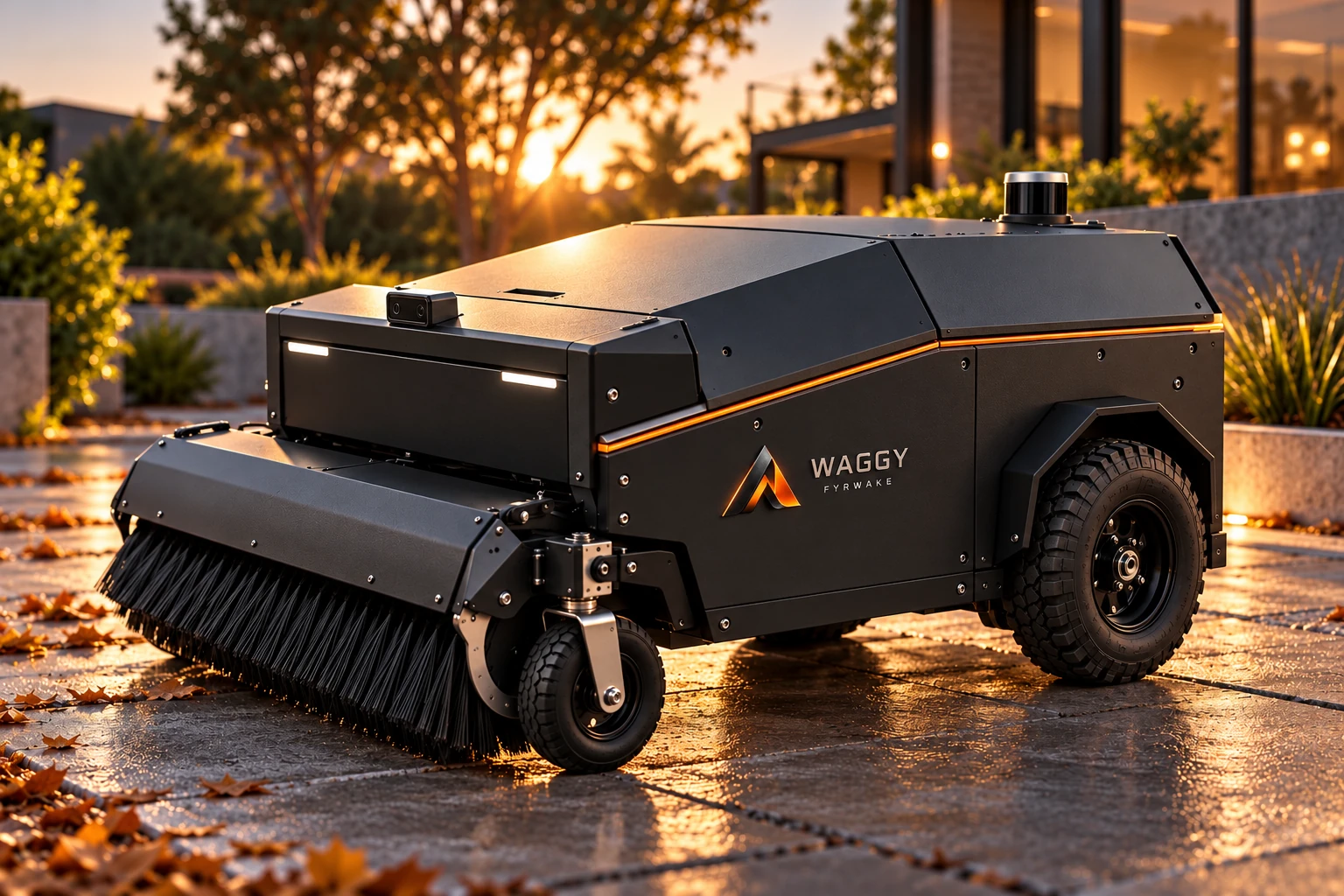
Waggy is a garden-cart robot with wheelchair motors and a sweeper. The power review leads the story, followed by a builder-spotted clearance issue and a small wiring detail. Each still needs a physical check.

WHOLE-MACHINE POWER

Each part fits. Together, they don’t.

Waggy’s drive motors, sweeper brush and lift each check out against the battery on their own. Running together, they can ask for about 32 A from a battery whose protection cuts out at 30 A. That could cut power to the whole robot mid-run, computer included, with no brakes on the wheel motors. Testing each part alone can miss it. Fyrwake added up the whole machine from the parts on record.

The plan: the brush and lift never run at the same time, and the brush current is capped, bringing the estimated peak to about 28.5 A.

Plan approved · Load test pending
BUILDER-SPOTTED CLEARANCE

The sweeper needs room to lift.

The builder spotted that the shell would meet the sweeper as it lifted. That catch became a clearance requirement in the project record, with a physical range-of-travel check still to do.

Builder-identified concern · Physical check pending

SIGNAL COMPATIBILITY

A 5 V signal. A 3.3 V input.

Fyrwake flagged the wheel-sensor connection to the Pico and proposed a level translator.
The plan includes the connections and a signal check at the controller.

Fix planned · Bench check pending

These fixes are planned, not bench-verified. Their status changes when the physical checks are completed.

Get the build stories and early-access updates →

YOUR AI. YOUR WORKFLOW.

Keep your tools.
Connect the whole build.

Import files from the tools you already use. Fyrwake keeps the design decisions, build instructions and test results together as the project changes.

Your AI reasons.

Use the AI you connect to investigate the design and explain a recommended approach.

Fyrwake makes it buildable.

Turn the recommendation into parts, scaled layouts, printable templates, build instructions and tests, with the reasoning still attached.

You decide.

Approve the direction. Check the physical build. Keep assumptions distinct from what you have actually verified.

Claude is supported in the current local version. More AI integrations are planned. Your provider’s account requirements and usage terms apply.

WHAT YOU TAKE TO THE WORKBENCH

From the warning
to the build.

The current local version turns the plan into details you can use at the bench.

It proposes the fix, not just the problem.

Wire size, fuse, where each board mounts, with its reasoning. You approve or change it.

Shop-ready output.

Print the 1:1 template, check its scale, lay it down and mark the holes. Build steps go wire by wire, grouped by where you work and which tool you need.

A shopping list that knows your bench.

What you need, what you already have, what to buy, and prices from real store pages, so you can avoid buying twice. Check price and availability before ordering.

Nothing quietly skipped.

Every part gets the same questions: how it mounts, how it’s powered and protected, how you reach it, how you test it. Gaps show up as open items.

Bench tests with expected values.

Each check states what the reading should be, and stays “Measurement needed” until you record it.

Sources, not guesses.

Numbers come from the maker’s datasheet or a named standard, quoted. Estimates are labelled.

Concept renderingConcept rendering of a yard robot with a graphite enclosure, orange trim and front sweeper

DESIGN FOR THE REAL WORLD

The work leaves
the screen.

An enclosure needs room for wiring. A moving arm needs clearance. A sensor needs a clear view. Every choice affects the machine around it.

The goal is a physical build you understand: what you chose, how it goes together and what still needs to be proven.

Bring your project to early access

FOR PEOPLE WHO BUILD

For your next build.
And the people building with you.

Built for one builder today. Shared projects for teams and classes are on the roadmap. Tell us if that’s you.

Independent builders

Keep mechanical, electrical and software decisions connected as your project grows.

Robotics classes & student teams

Teach the path from a design choice to a build and a measured result. Shared projects for classes and student teams are on the roadmap.

Explore Fyrwake for education →

Research teams

Keep the setup, results and design changes together between experiments. Shared projects are on the roadmap; tell us if your team needs them.

Hardware teams

Every decision keeps its reason, source and date, so whoever picks up the project next starts from what’s known. Shared projects are on the roadmap.

A FEW THINGS WORTH KNOWING

Built around
your judgment.

What is Fyrwake?

Fyrwake turns project information into a proposed engineering solution and a plan to build it: parts, layouts, printable templates, shopping lists, detailed instructions and bench tests. You review the reasoning and approve the plan; measurements establish what actually works.

Can I bring an existing project?

Yes. It reads photos, drawings, parts lists, wiring sheets, code repositories and old chat logs, and tells you what it couldn’t read. Bring your CAD exports in today. Direct connections to CAD tools are planned; there is no live sync today.

Do I have to use Claude?

Fyrwake is built around bringing your own AI. Claude is the current integration; the workflow and project record are designed to remain useful as AI providers change. Available integrations will be listed when early access opens. Your AI provider’s account, usage limits and terms still apply.

Does AI make the final engineering decision?

No. Fyrwake proposes a design and explains the choices. You approve or change it before building. Recommendations can be wrong, so the plan still needs review and the physical build needs testing.

Where will my project files live?

The current working version is local and single-user; a public hosted product is not available yet. Storage, export, deletion and AI data-sharing details will be explained before you connect a project. Joining this list does not upload your project files.

What will Fyrwake cost?

Joining the early-access list is free. Product pricing has not been announced. Fyrwake’s pricing and any separate AI-provider requirements will be explained before you decide to use it.

Can I use Fyrwake today?

Fyrwake is in development. You can explore the workspace preview and join the early-access list to hear when access opens.

BUILD WHAT COMES NEXT

What are you
building?

Join for build stories and news about early access. Tell us about your project and where you’re stuck.

In development. Joining the list does not guarantee access.
Fyrwake workspace preview
Enlarged electronics enclosure design view